
Eat it before you delete it.
You already own dinner. Fridgie just remembers where you put it.
* On Android
Scroll to let time pass
Three moves, and only the first one is yours.
Not a form, not a barcode, not a list you maintain by hand. Just photograph the receipt the till already printed.
Everything on it goes in at once. You don’t type any of it.
Names, quantities and expiry dates come back filled in. Check the list once, then add it to the pantry.

Then just cook.
Recipes built from what is already in the house — and weighted toward whatever is closest to going off.
Found it on TikTok, Instagram, YouTube, Pinterest or a blog. Cook it tonight.
A reel, a TikTok, a blog with twelve paragraphs before the ingredients. Share the link to Fridgie and it comes back as a recipe you can actually cook.
Useful does not need to be loud.
Five screens, no onboarding tour, no empty dashboard waiting to be filled in. Drag through them.
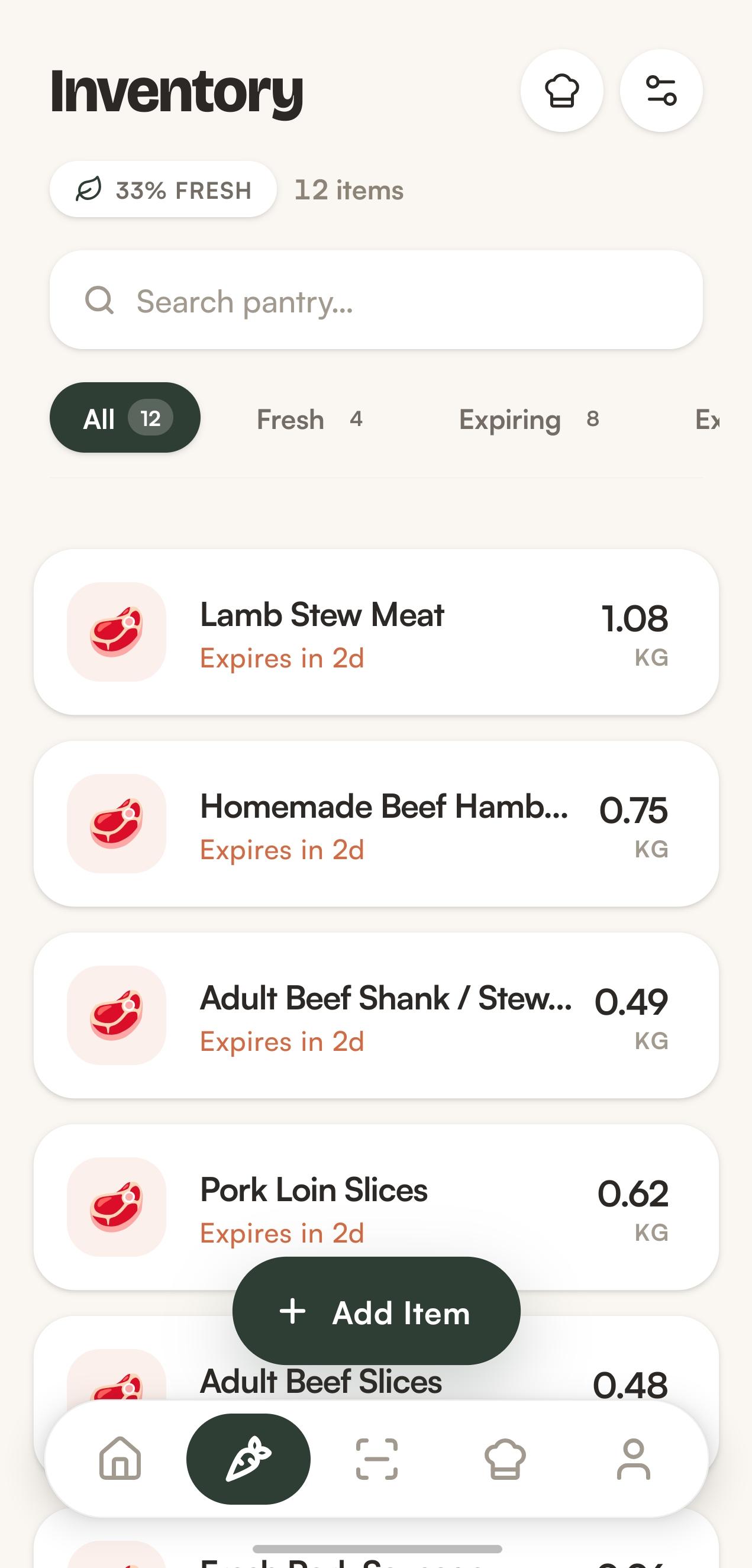
Pantry
Everything you own, sorted by how long it has left. The things in trouble float to the top.
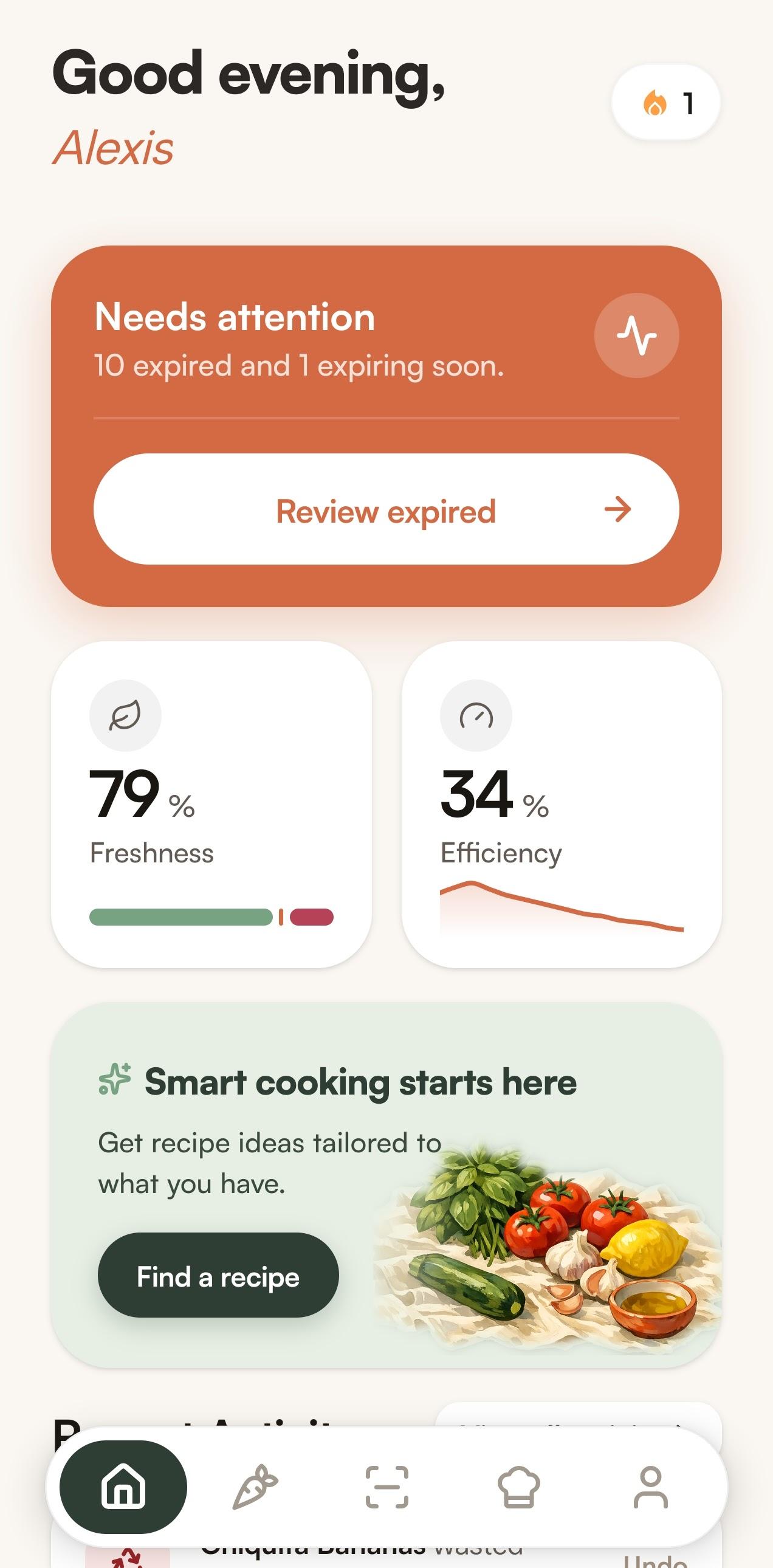
Today
One screen that answers the only question that matters at 7pm: what needs using tonight.
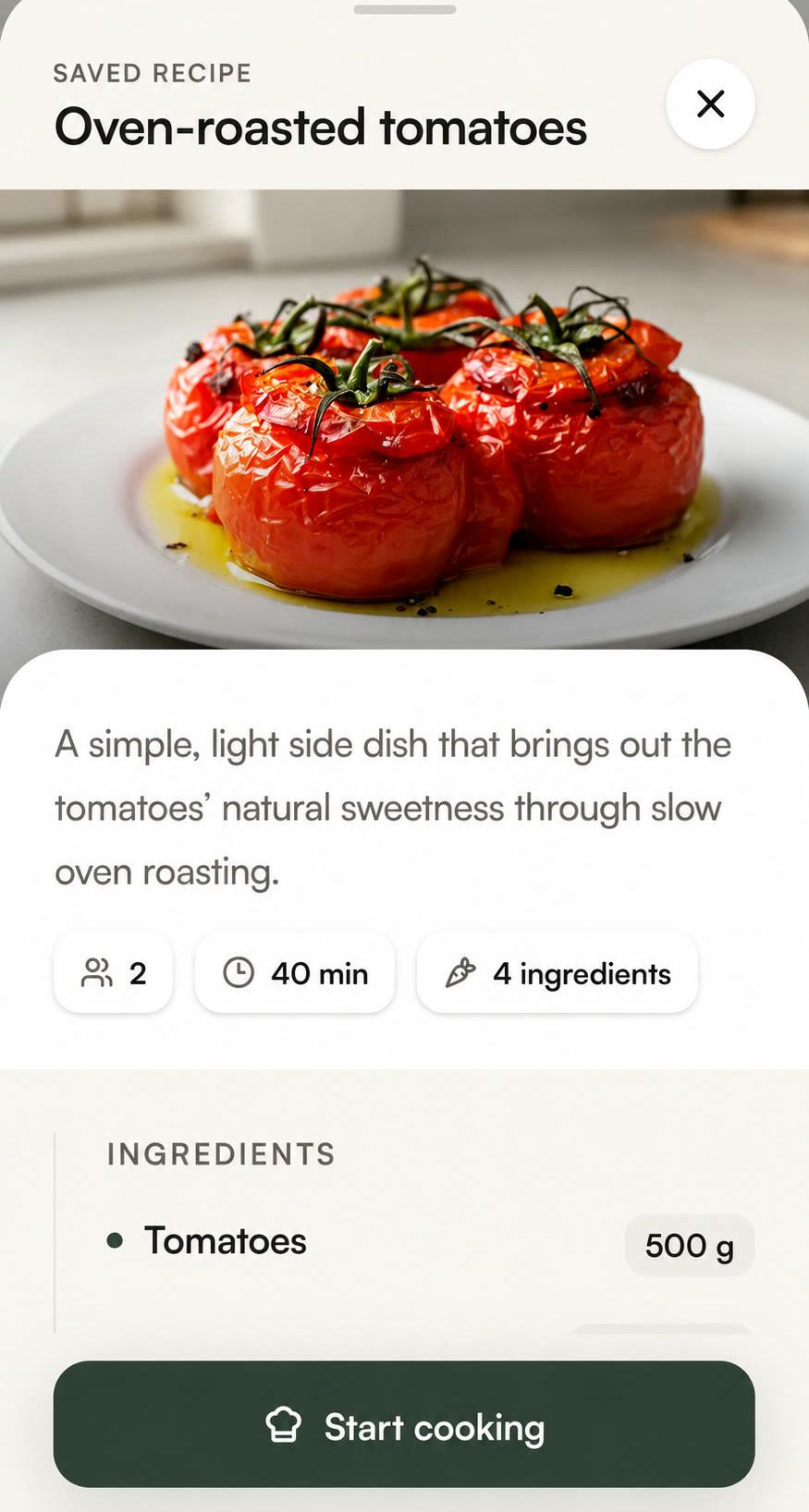
Recipe
Built from what is already in the house, weighted toward whatever is closest to going off.
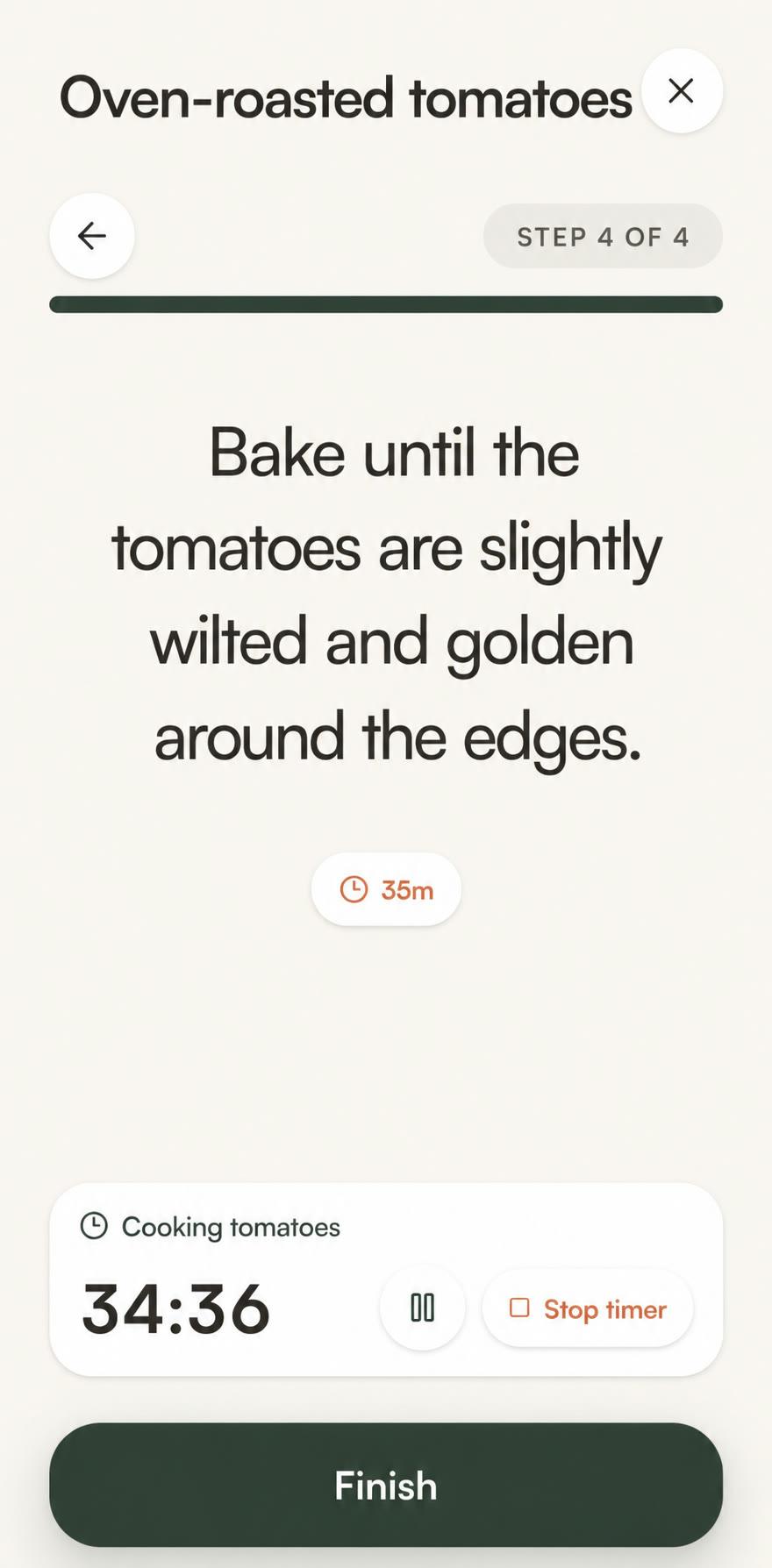
Cook mode
One step at a time, large enough to read from across the counter, with the timer already running.
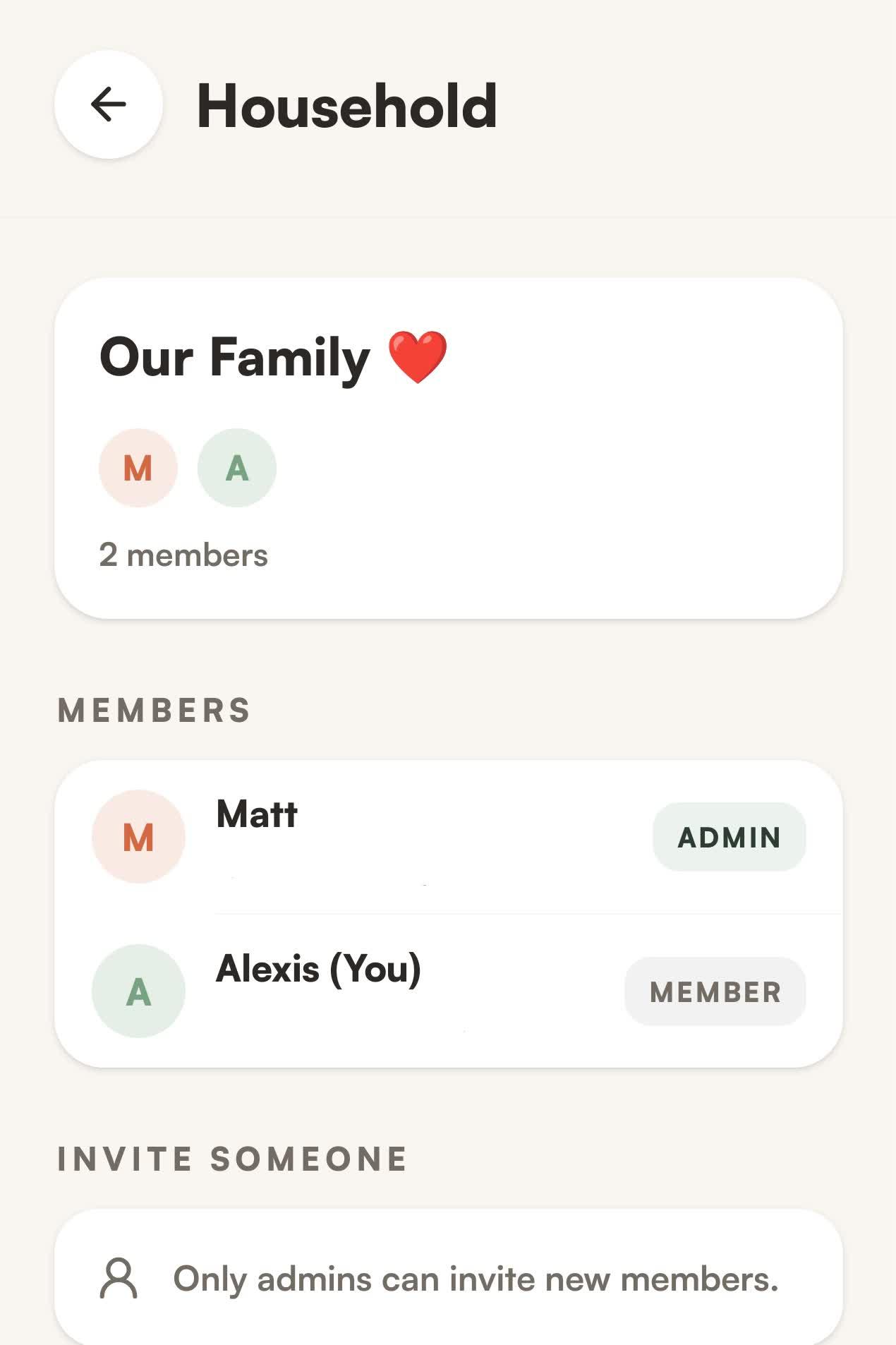
Household
The same pantry on every phone. Invite the people you live with and keep track together.
One fridge, everyone in it.
Share the pantry with the people you live with. The same shelves on every phone, so nobody buys the milk twice.
Every phone, one pantry
Add the milk at home and it is already there on the other phone.
An admin, and members
Whoever set the household up invites; everyone else adds and consumes.
Invite by email
An admin sends the invite; once it is accepted, the household is shared.
Four smaller things.
Buy less
Forget less
Throw away less
Cook more easily
Not a lecture about the planet. Just the quiet satisfaction of using what you already paid for.